Fund Transfer
Introduction
Krungthai Sandbox System serves as a crucial tool for digital payment services. It facilitates the testing and refinement of applications and websites, ensuring they meet security, functionality, and regulatory standards. Our sandbox system also ensures that new financial products are thoroughly tested before being deployed in a production environment. This proactive approach not only enhances the quality of payment services but also contributes to the building of a more secure and efficient financial ecosystem.
Sandbox Guideline Steps
Corporate Profile
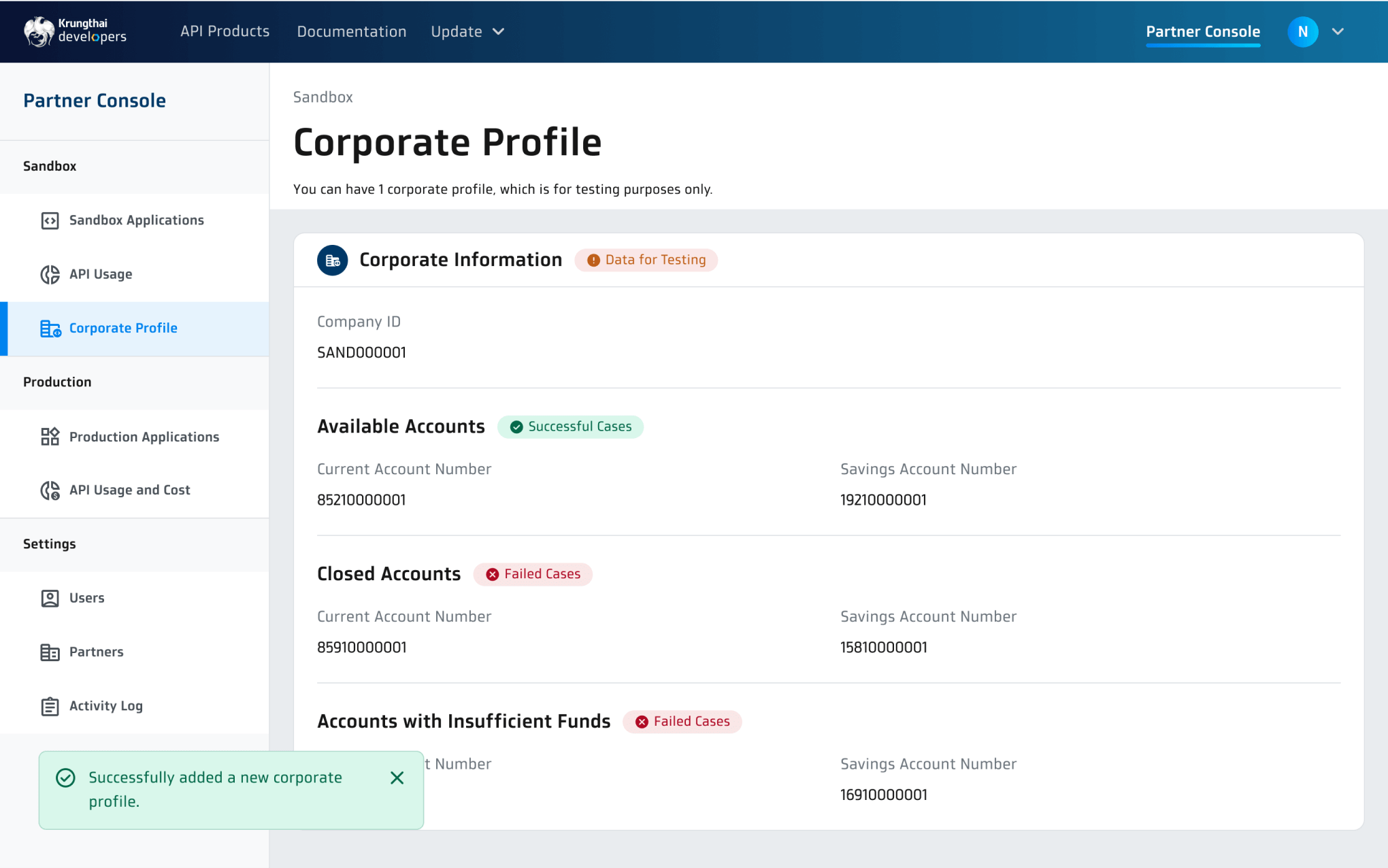
A corporate profile consists of simulated data that is used for conducting system integration testing for both Funds Transfer and Direct Debit services. This simulated data is completely separated from any actual production data.
1. Go to 'Sandbox' > 'Corporate Profile'
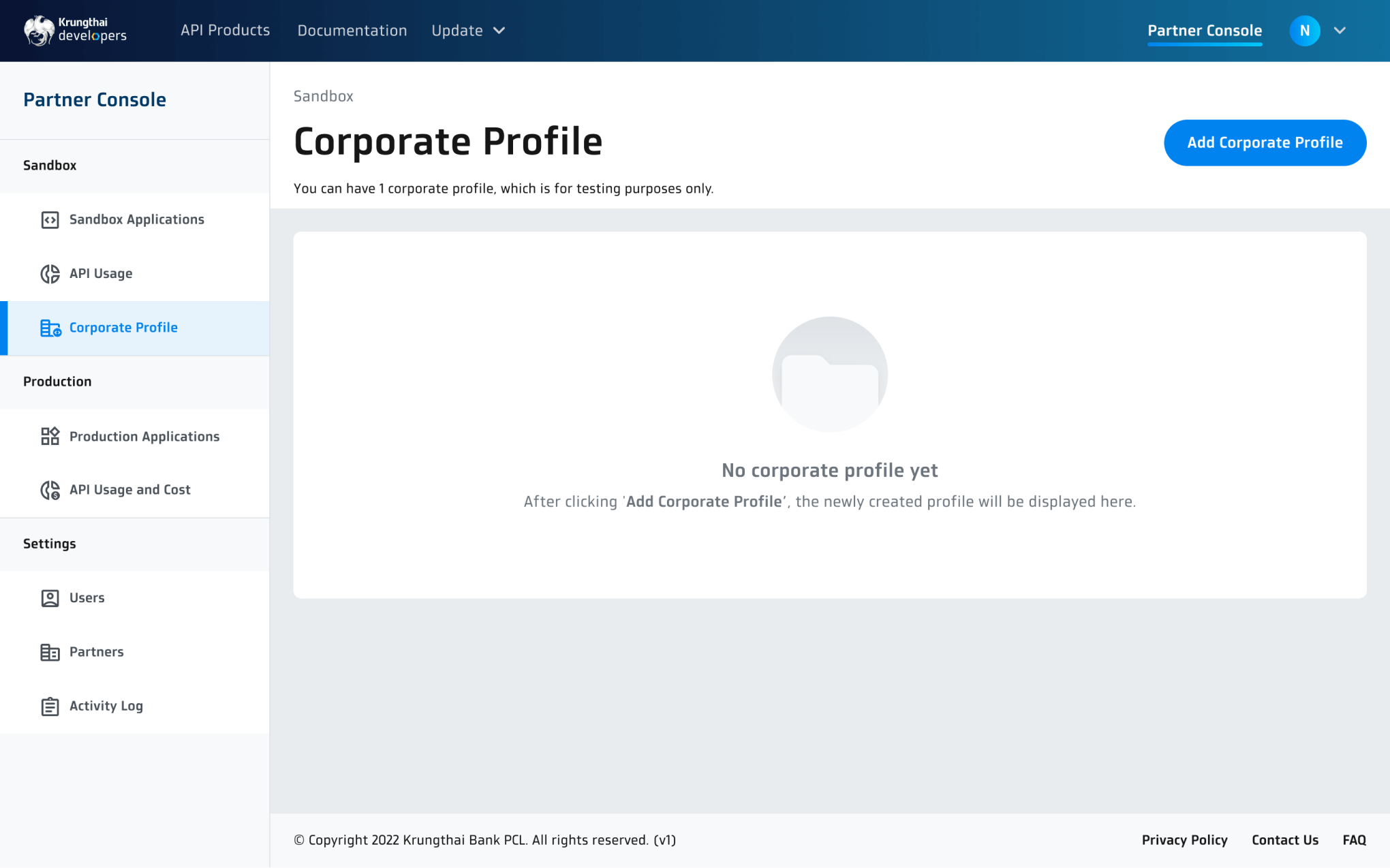
2. Click the ‘Add Corporate Profile’ button. Once confirmed, a corporate profile will be added permanently.
Create Your Sandbox Application
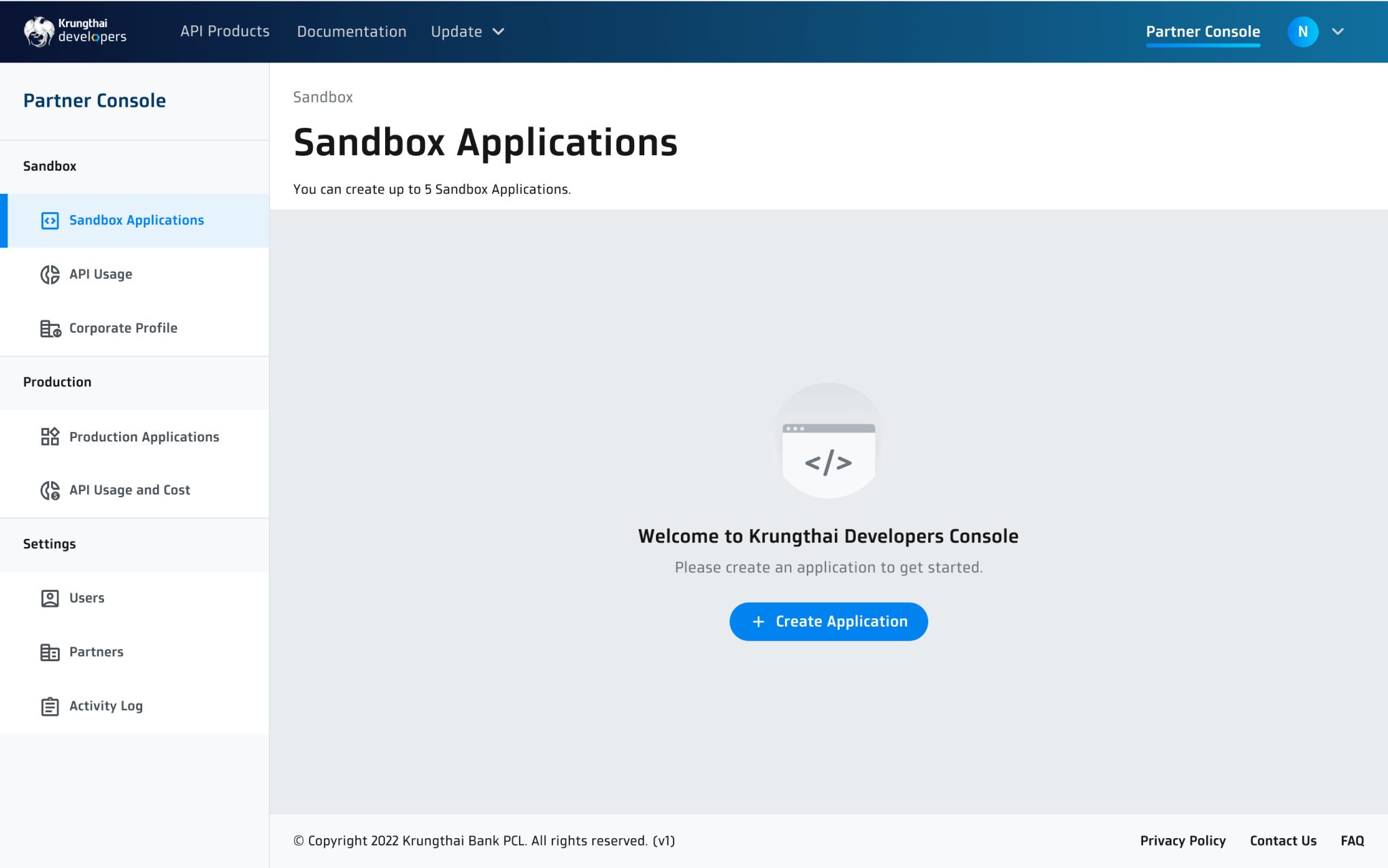
1. Go to 'Sandbox' > 'Sandbox Applications'. Then, click the ‘Create Application’ button.
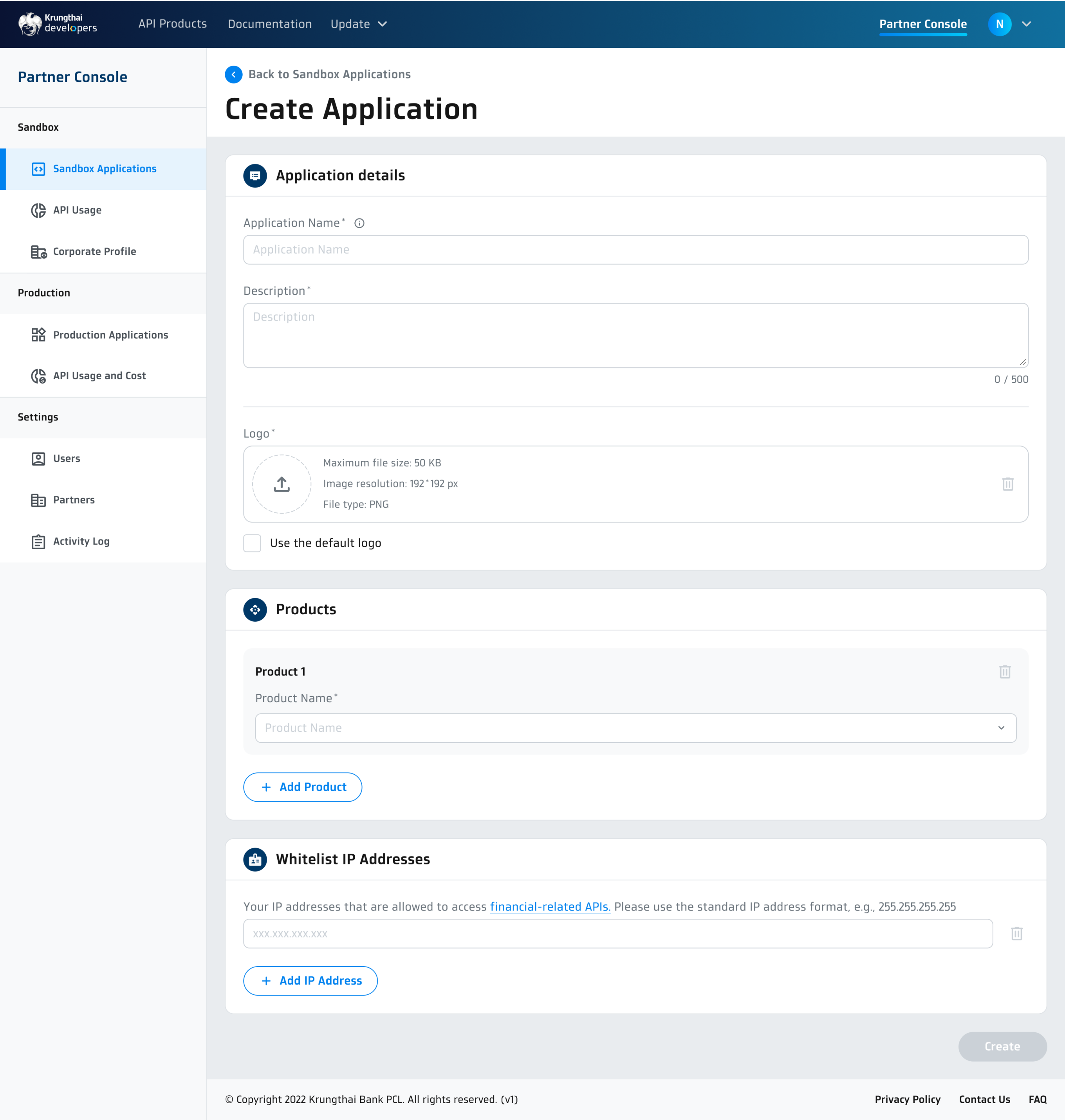
2. Provide the following information
- Application details
- Fill in the application name and description. Then, upload a logo of your application or use the default logo from the system.
- Products
- Select an API for your application.
- If you want to connect your application with more than one API, click '+ Add Product'. You can also change your selection later.
- Whitelist IP Addresses
- Fill in the IP addresses that you will use to access the following API products:
Financial products are as follows:Fund Transfer- Fund Transfer to Krungthai Account- Fund Transfer to Other Bank Account- Fund Transfer to PromptpayDirect Debit- Direct Debit Registration- Direct Debit - Once all necessary information has been provided, click 'Create' button.
- Your new application will appear on the Sandbox Applications page.
3. When both an application and a corporate profile are successfully added, you will receive API keys that provide access to the Sandbox APIs.
To generate API keys:
- On the Sandbox Application page, select an application to see more details.
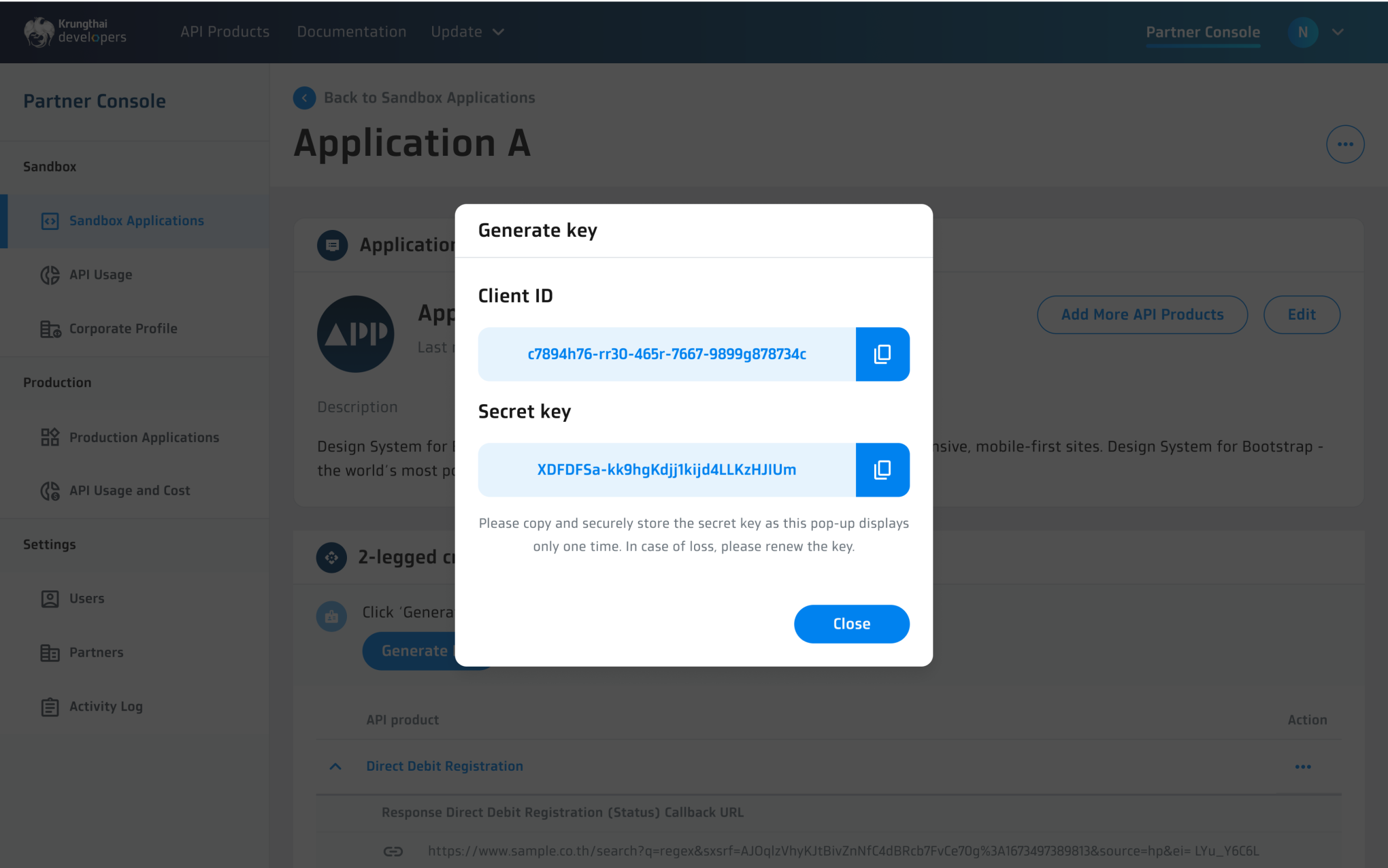
- On the 2-legged credential section, click 'Generate Key' button.
- Copy the API keys to a secure location, as you will not be able to access the keys on other pages.
- Once done, click 'Close' button.
- You can now use the generated API keys to integrate your application with Krungthai API products.
- Create a corporate profile to retrieve test accounts and mock data for transaction making within the sandbox environment.
- Create your sandbox application to retrieve API keys.
- Integrate your application using the API keys:
- Construct the HTTPS request following the guidelines outlined in the Development Guideline pages.
- Your application is now able to connect to Krungthai Sandbox System. You can start testing with necessary transaction scenarios provided here.
- After making a transaction request, check the response received from the API. Validate the response status, error messages, and any transaction references that are included with the response.
- Once the testing is complete, ensure your application is well-prepared for production deployment before submitting the production application on Krungthai Developer Portal.
Experiment Your Application
Follow these instructions to test Funds Transfer services in the sandbox environment, and ensure your application is efficient, secure, and accurate.